 Dancy Pic
The useful text alt transmits the information that an image contributes in its context. It is not a place to repeat each search phrase associated with an article.

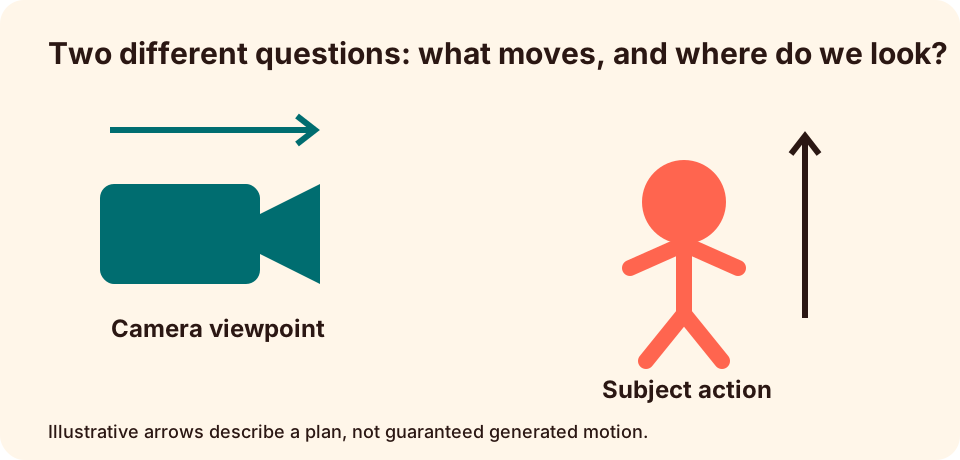
Decide why the picture is there
An image can explain a harvest, compare two compositions or simply decorate a section. The same picture may require different treatment in different contexts because your work is changing.
W3Cimage tutorialit distinguishes informative, decorative and functional images. Make this decision before creating a description.
Description of the relevant difference
For an original crop comparison, "Vertical facts and crops of a paper figure; vertical culture removes the package on the left edge" communicates the teaching point. Listing colors and textures without the lost package would not explain the comparison.
Avoid presenting a hypothetical graph as a screenshot of a proven product. A clear title can identify it as an illustration while the alt text explains its content.
Move long explanations in visible text
If an image needs several paragraphs to explain it, it gives the page it explains. Keep the short alternative focused on the purpose of the image and make the detailed reasoning available to all.
Consideration in context
Read the surrounding paragraph, then the proposed alternative, then the next paragraph. Check that a reader gets the missing information without unnecessary repetition. If the image is a link or control, your accessible description must also communicate the action you make.